How to Personalize and Print Your Editable Etsy Designs with Corjl
One of the questions I get asked most often is, “how do I personalize my template and get it printed?” The good news is that Corjl makes the entire process incredibly simple—from editing your design to having beautiful, professional-quality prints delivered right to your doorstep.
Here’s a step-by-step guide to help you get started.
Step 1: Purchase Your Design on Etsy
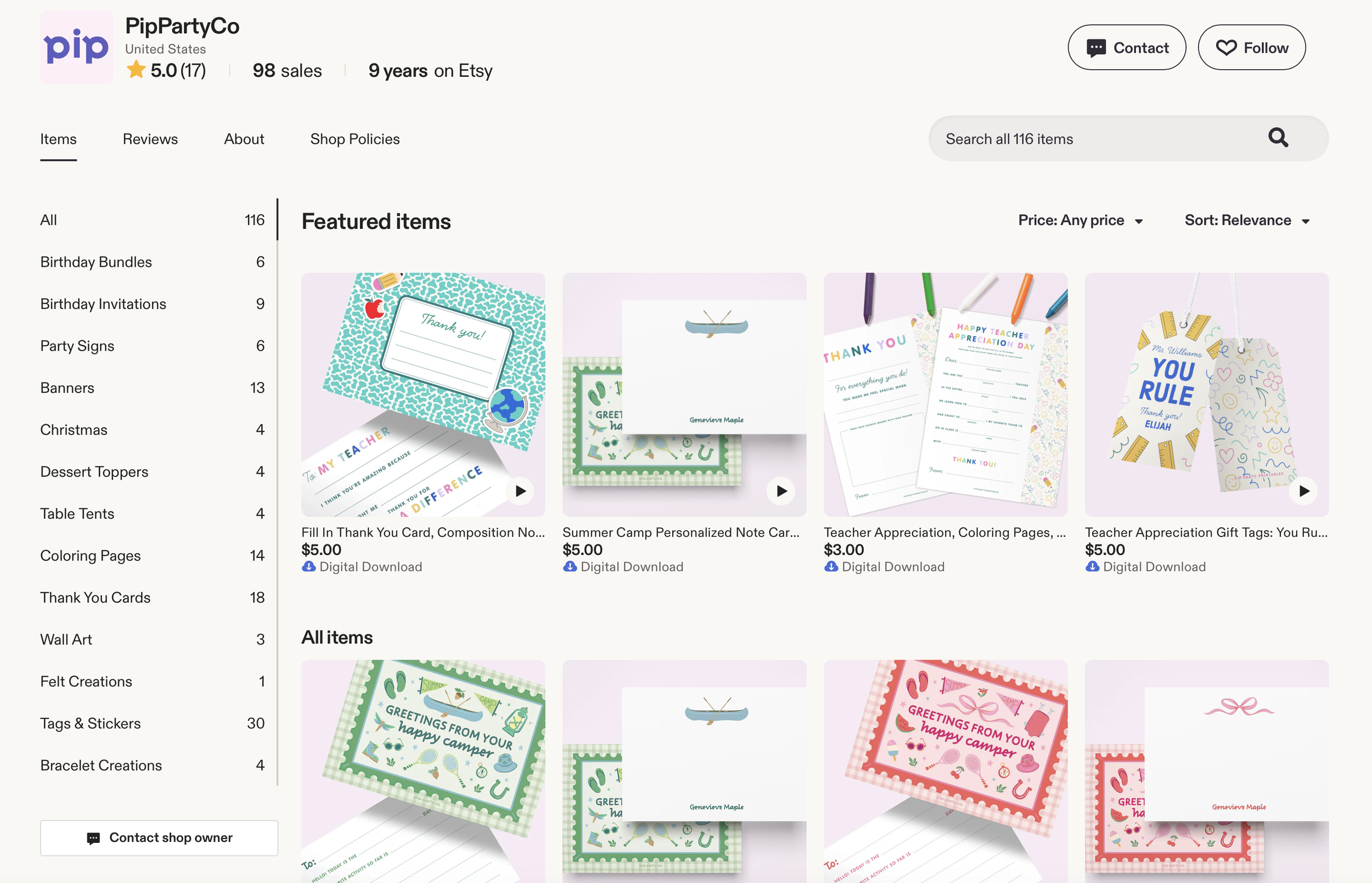
Start by visiting my Etsy shop and choosing your favorite design. Add it to your cart and complete your purchase just like any other Etsy order.
Once your order is complete, Corjl will automatically send an email to the same email address associated with your Etsy account.
Step 2: Access Your Template
Open the email from Corjl and click the link provided. This will take you directly to your personalized template.
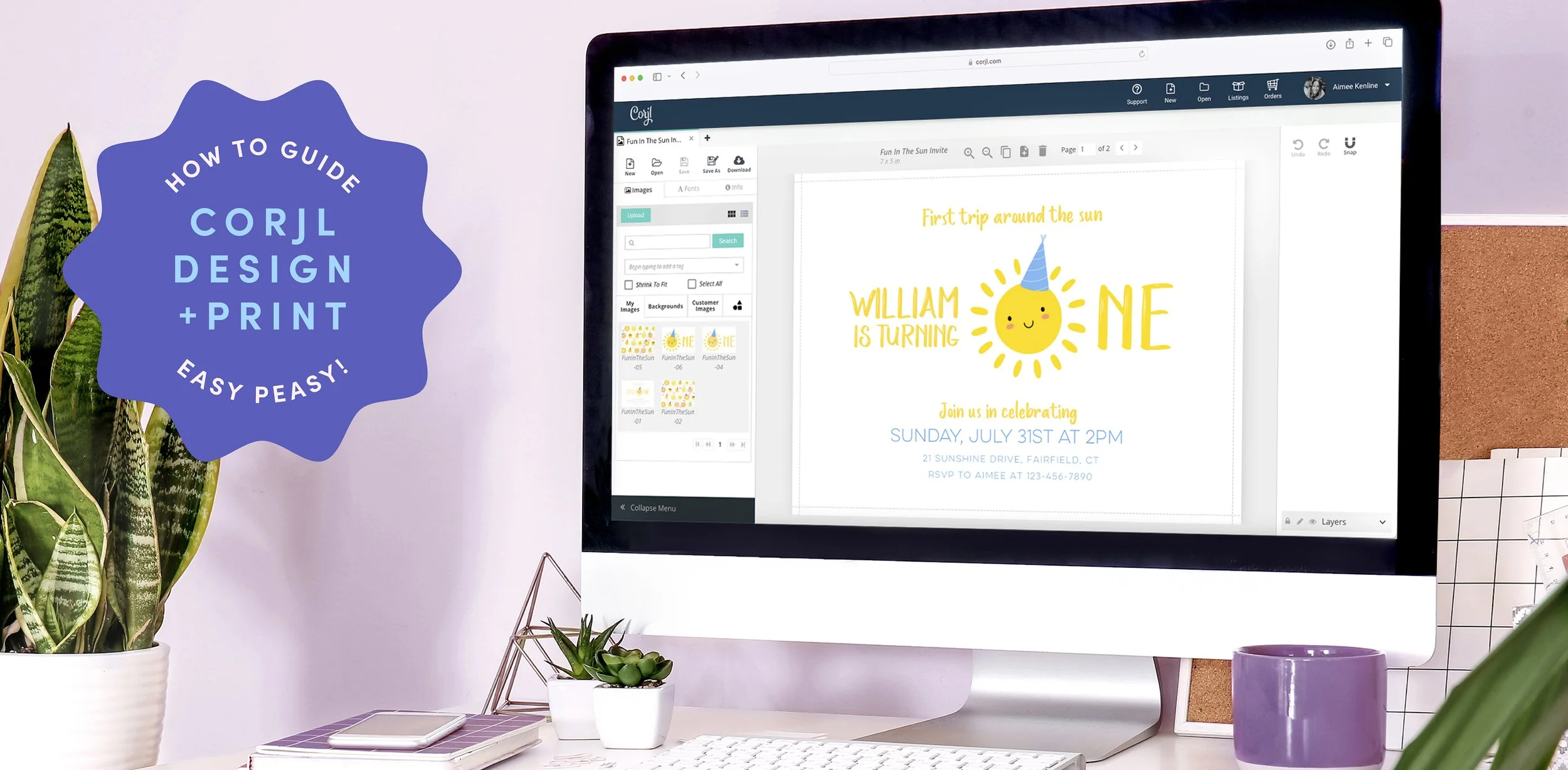
One of the best things about Corjl is that it’s entirely web-based, which means you can access and edit your design from any device—whether you're using a computer, tablet, or smartphone. No software downloads are required.
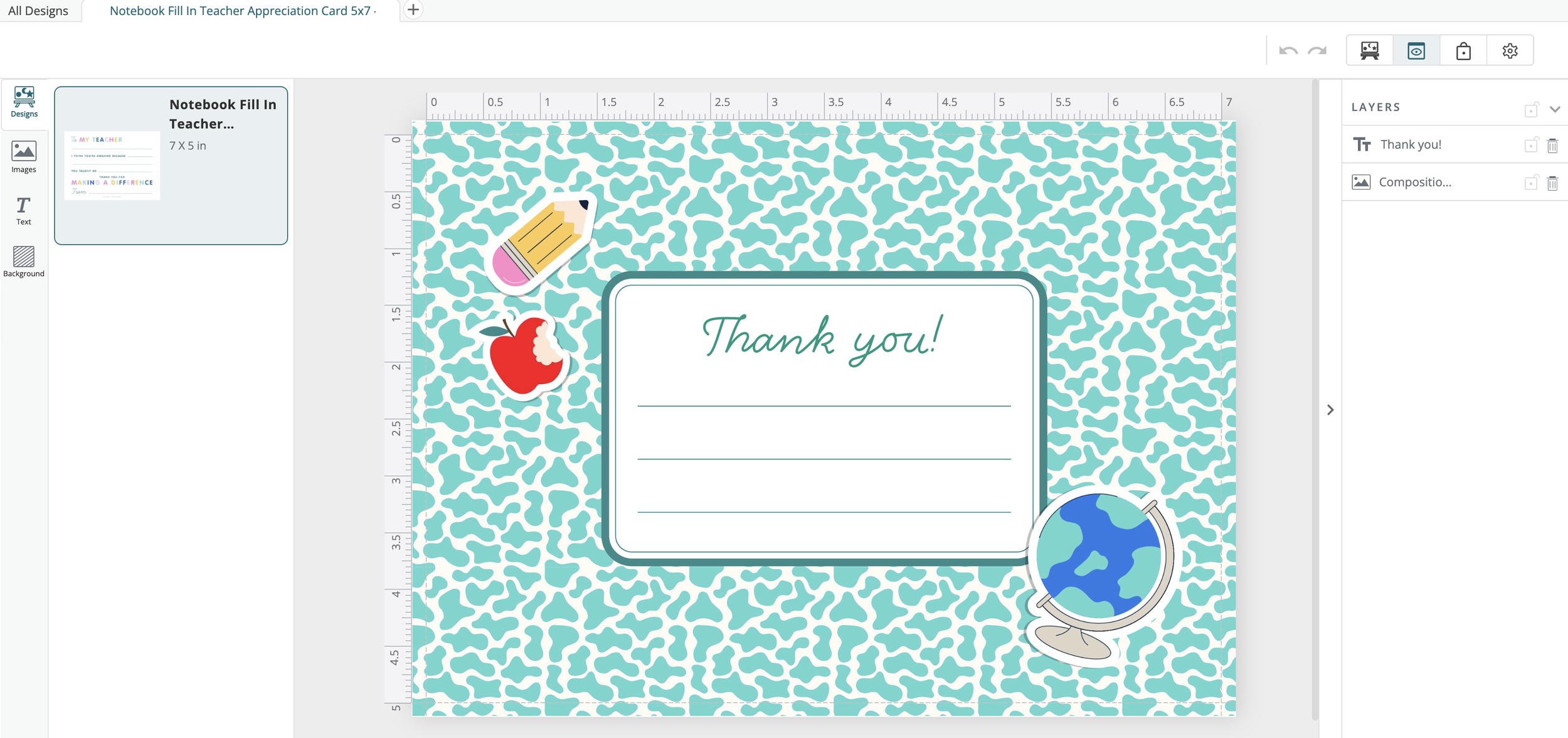
Step 3: Personalize Your Design
Once your template opens, you can begin customizing the editable fields. While certain design elements are intentionally locked to protect the artwork and overall layout, all editable text areas can be personalized to fit your needs.
For example, you can:
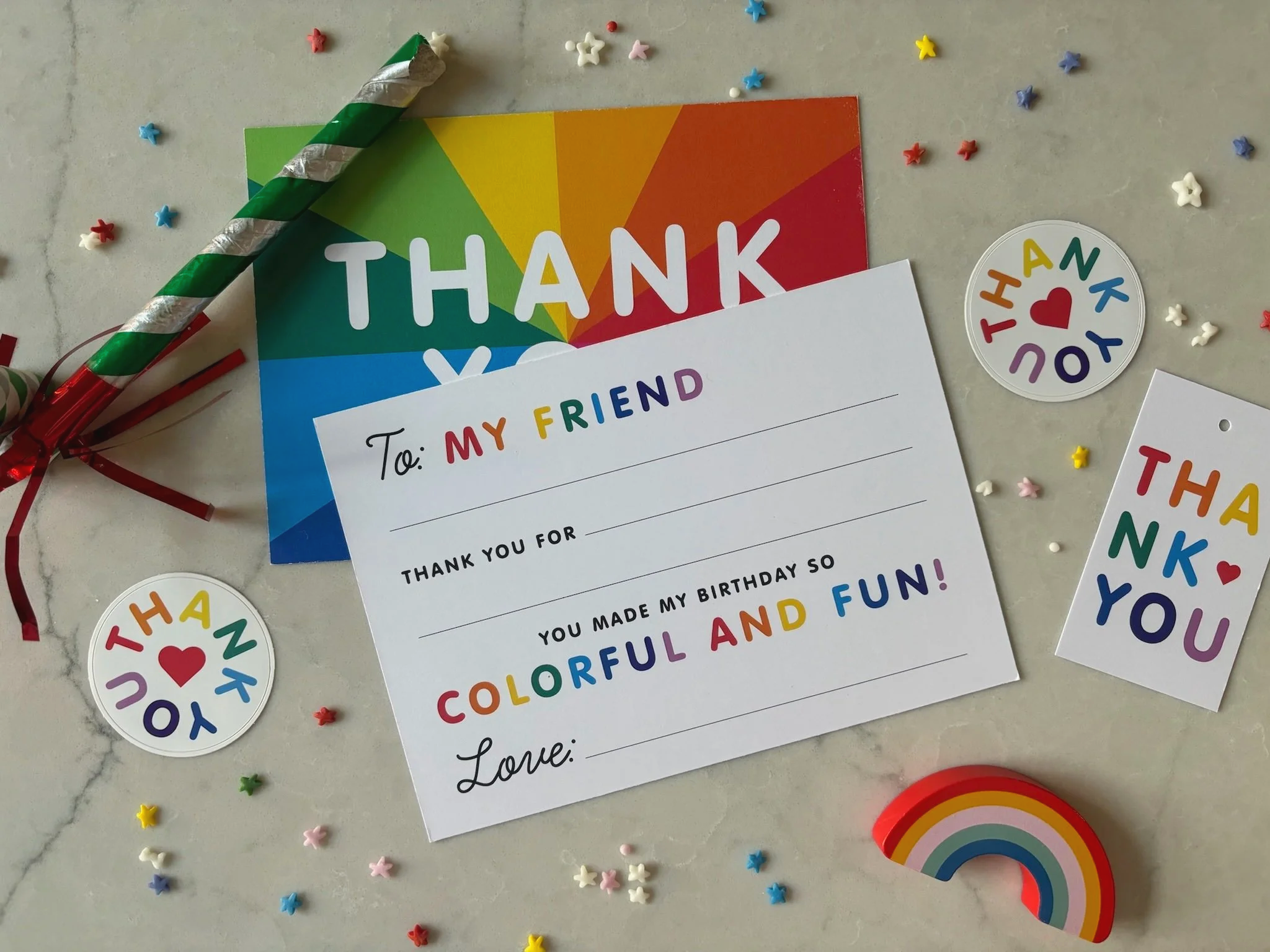
Add a child’s name to the front of the teacher appreciation card
Customize messages and greetings
Many of my stationery designs include convenient fill-in-the-blank sections on the back, making it quick and easy for kids to write personalized letters.
Step 4: Choose How You’d Like to Print
After you've finished editing, you'll have two printing options:
Option 1: Download and Print Yourself
For professional printing services such as Staples, FedEx Office, or your favorite local print shop, I recommend downloading your file as a JPEG for the best results.
If you're printing at home, choose the PDF option instead. Be sure to enable trim marks and bleed. These settings make it much easier to trim your cards accurately and create a polished, clean-looking finished product.
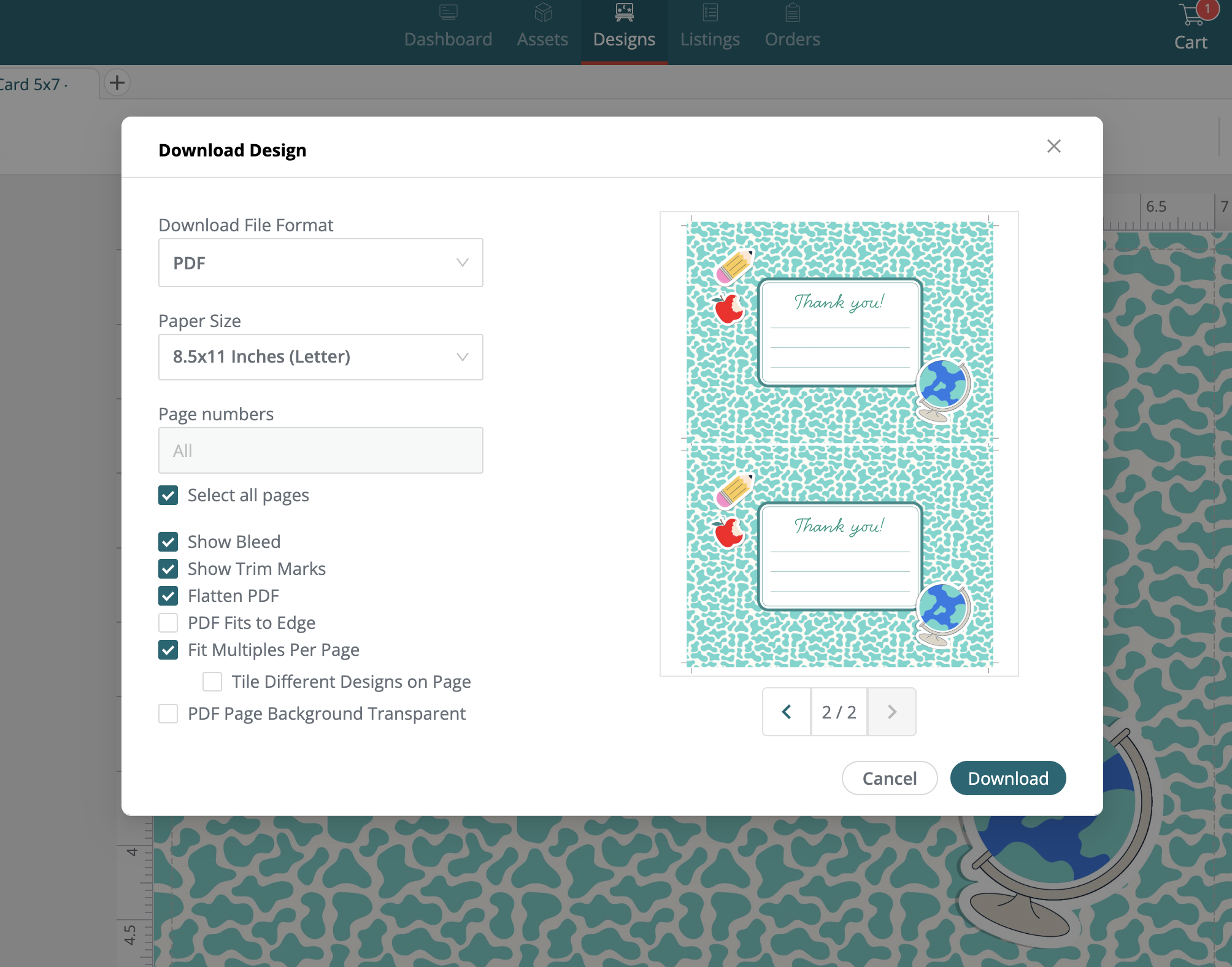
Option 2: Order Professional Prints Through Corjl
Prefer to skip the printing and trimming altogether? Simply click Order Prints directly within Corjl.
You'll be able to:
Print the front only or both front and back
Select your preferred paper type
Choose your quantity
Add envelopes if needed
Once you've selected your options, click Checkout and enter your shipping and payment information. That's it!
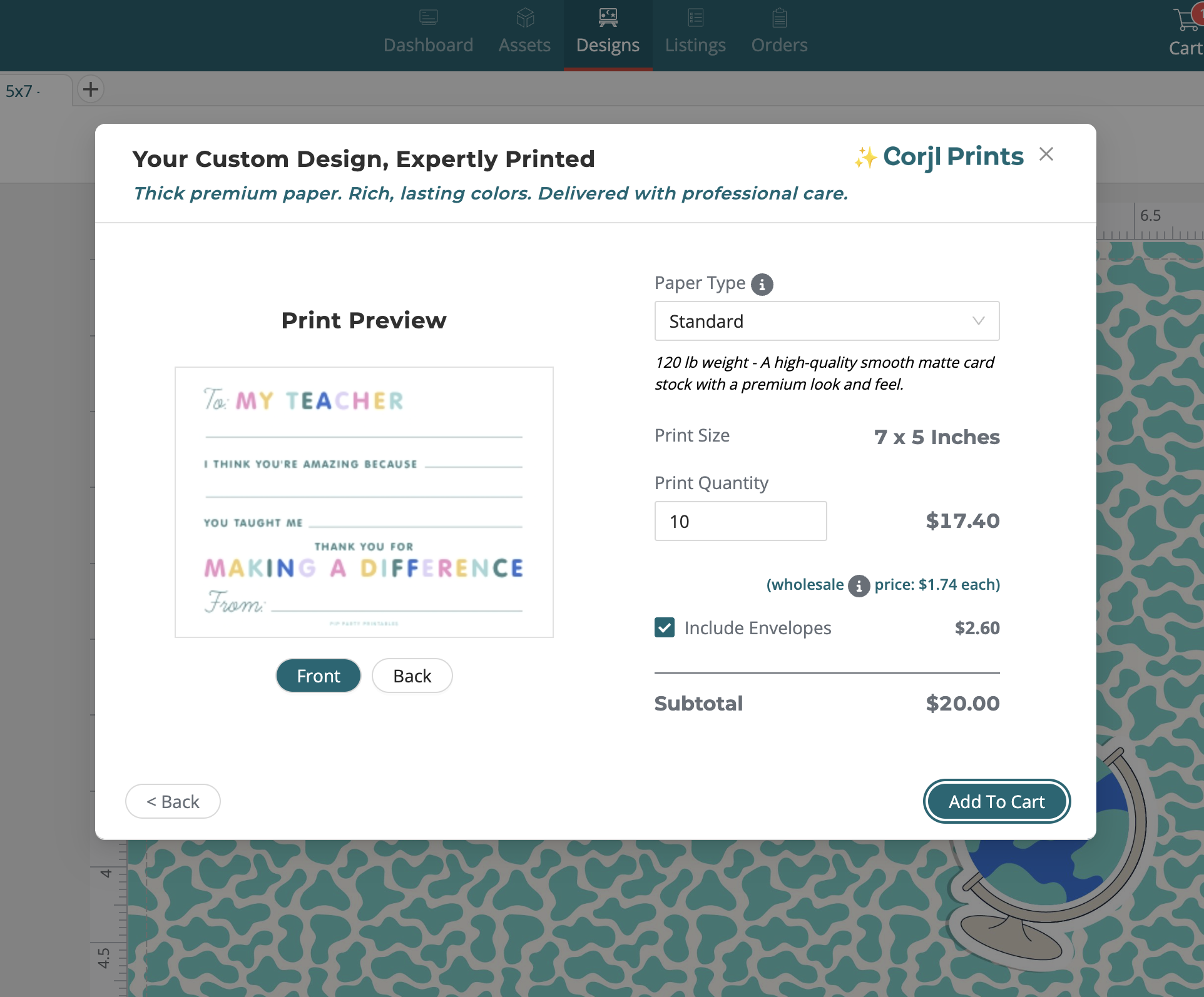
After placing your order, Corjl handles the rest. Your stationery will be professionally printed and shipped directly to your home, and you'll receive tracking information so you can follow your order every step of the way.
Why I Love Corjl Printing
I'm thrilled to offer professional printing directly through Corjl because it makes the entire experience so much easier!
From instant access to your template, to seamless personalization, to beautiful print quality delivered right to your door, Corjl provides a simple and stress-free way to bring your designs to life.
Whether you choose to print at home, use a local print shop, or order professionally printed cards, you'll have complete flexibility and control over your final product.
Thank you for supporting my shop, and I can't wait to see what you create! ✨